| server | ||
| shared | ||
| webclient | ||
| .dockerignore | 46 B | |
| .gitignore | 31 B | |
| biome.json | 366 B | |
| compose.yaml | 181 B | |
| Containerfile | 310 B | |
| LICENSE | 33.7 KB | |
| README.md | 1.5 KB |
READMERaw
Pico Pixel Player 
Pico Pixel Player is a lightweight, self-hostable audio player with an ElysiaJS backend and SolidJS frontend. It lets you play audio files directly from your server with a clean, responsive UI.
Features
- Lightweight: Minimal dependencies, fast performance
- Easy Setup: Configure with just a
.envfile. - Responsive UI: Works seamlessly on desktop and mobile
- Offline Capable: Progressive Web App (PWA) support and local caching of files
- Transcoding: Optionally transcode files at a selected bitrate to your client, so you can listen to your
.flacfiles on the go without using up all your data - Directory Listing: Browse and play files directly from your server
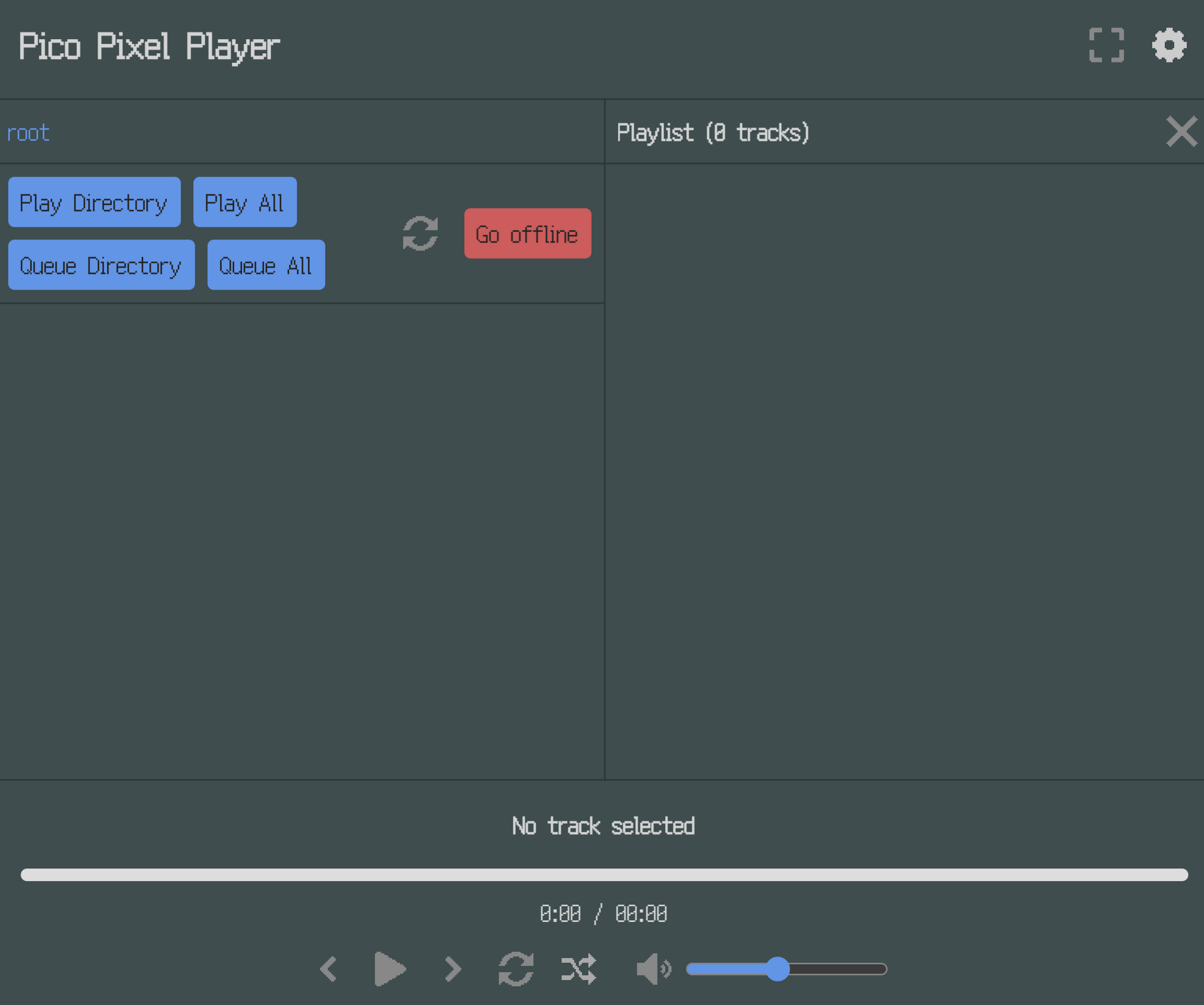
Screenshot
Setup
- Clone the repository:
git clone <repository-url>
cd pico-pixel-player
- Configure .env:
HOST_PORT=1234
MUSIC_ROOT=/path/to/your/music
- Start the service:
docker-compose up # or podman-compose up
Important Notes
- No Authentication: The app has no built-in auth. Run it behind a proxy with basic auth for security.
Non-Goals
- Metadata-Based Views: No support for filtering by genre, artist, etc. Use other projects for this.